NEW!
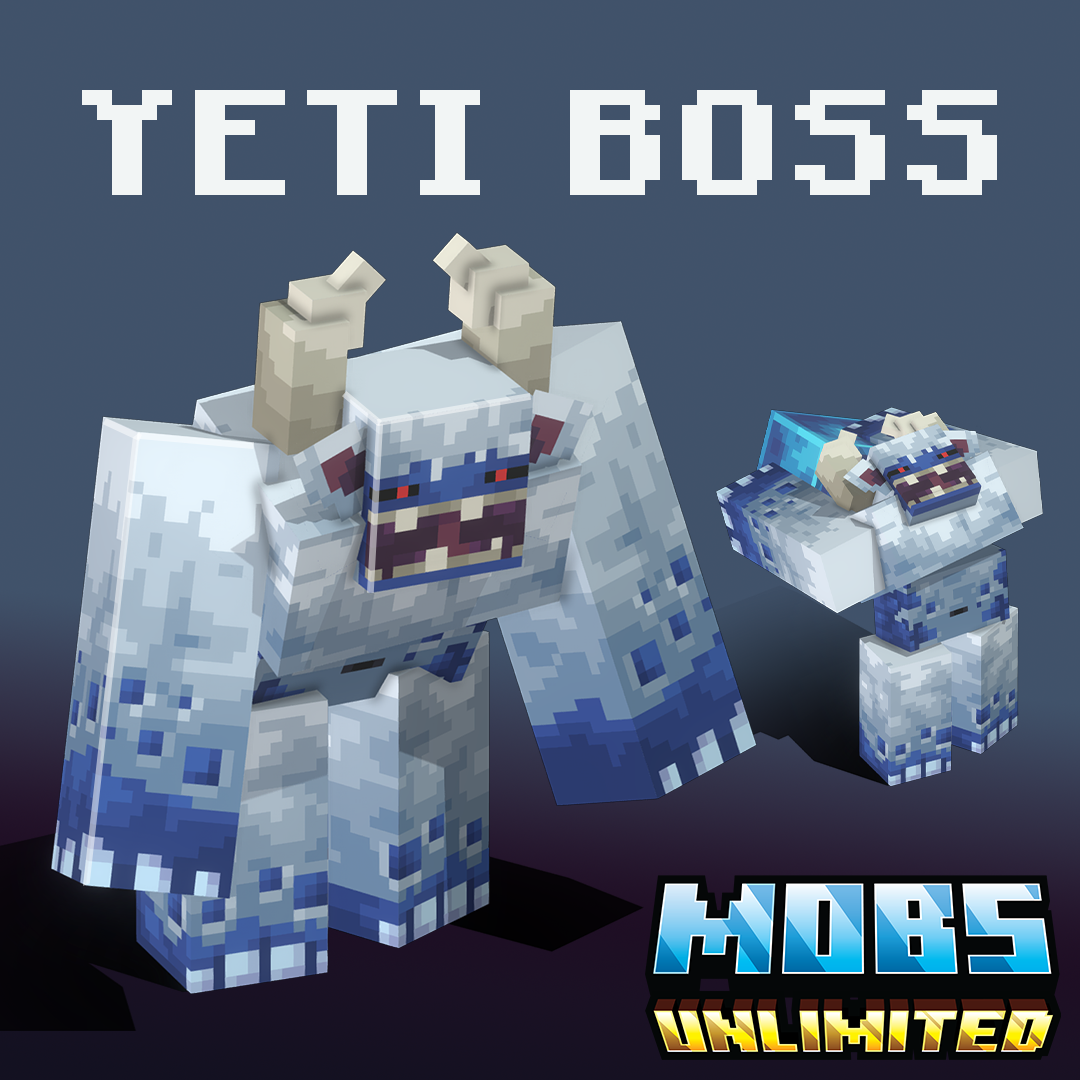
Yeti Boss
No Rating


Vendor: By Mobs Unlimited
Price is: $12.99.
Yeti Boss
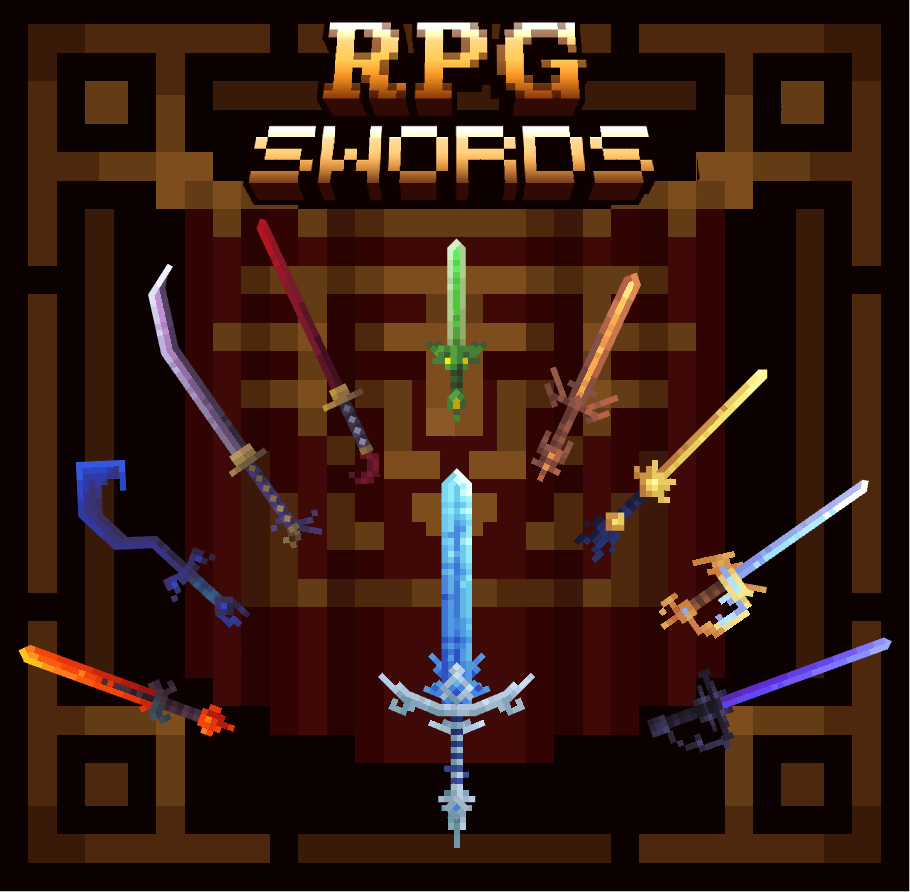
Legendary RPG Weapons - Vol 1


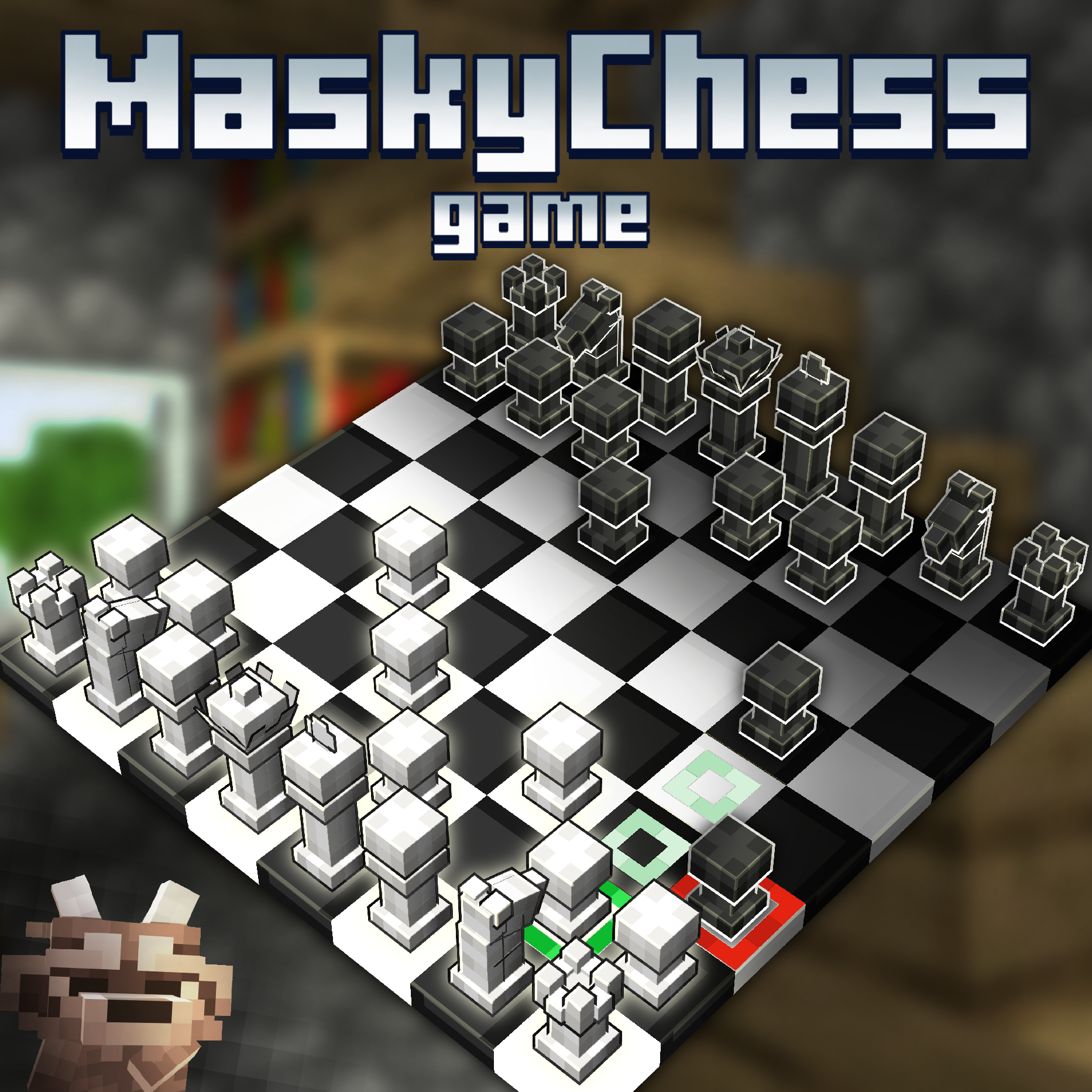
Masky Chess

![[Winter pack] Eternal frost Item pack preview image](https://api.mcmodels.net/storage/product-images/15643/01KEG87JZPXPQM18NC8WV27MVW.webp)
[Winter pack] Eternal frost Item pack


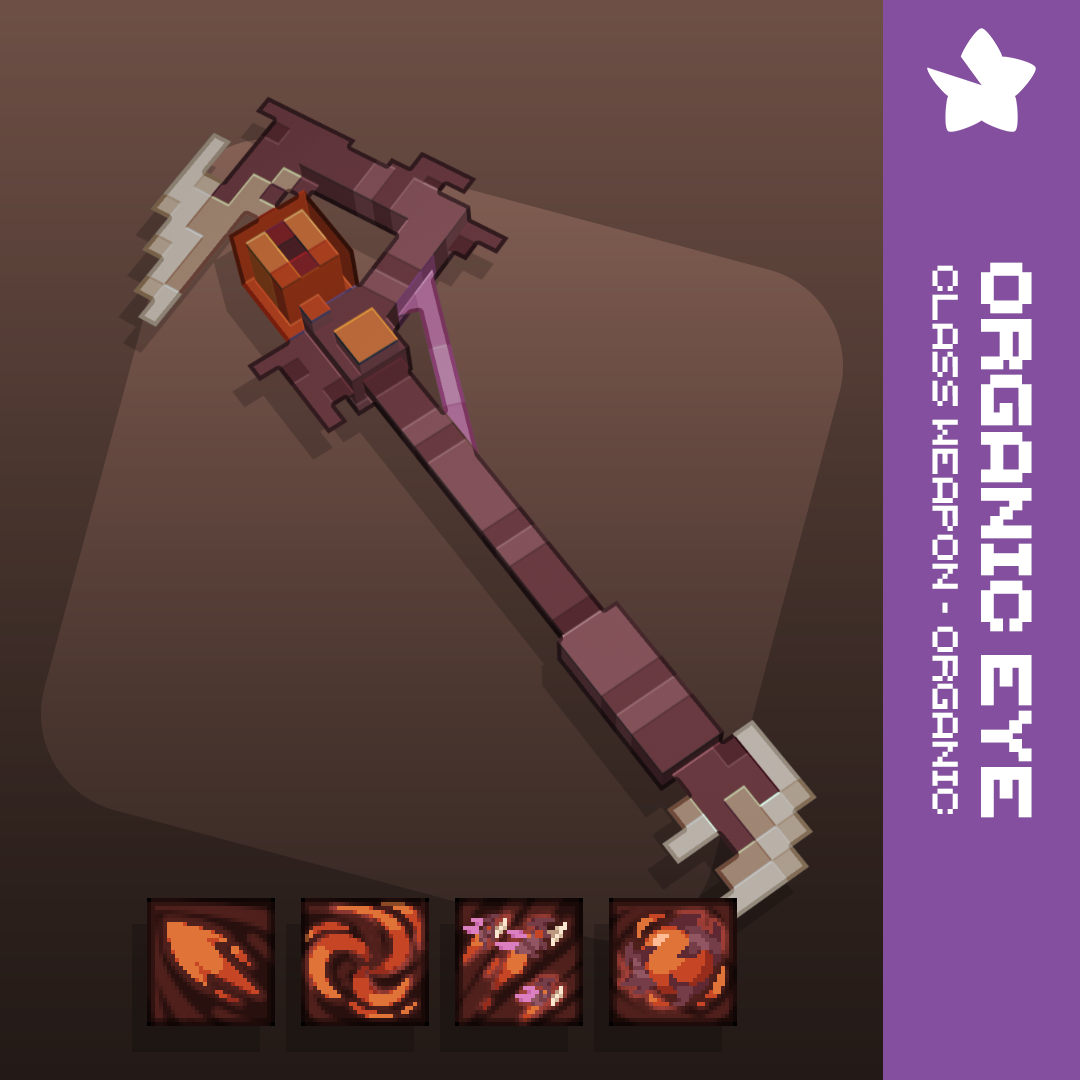
Organic Eye | Class Weapon - Organic Vol. 1
The three main components of a resource pack are the assets folder, the pack.mcmeta file, and pack.png which are all located in the root folder of your resource pack. The general file structure of your pack will look like the following:
📁resource_pack
├── 📁assets
├── 📑pack.mcmeta
└── 📑pack.png
pack.mcmeta In order for Minecraft to be able to understand that a folder is a resource pack, it must have a pack.mcmeta file added into the root folder, this file will ALWAYS be required. Below is an example of the contents that should be in a pack.mcmeta file, with a description of the attributes below.
{
      "pack": {
          "pack_format": 18,
          "description": "Tutorial Resource Pack"
     }
}
Option | Description |
|---|---|
pack_format | Tells Minecraft which version our pack is designed for. |
description | What is displayed when viewing the pack in game in the resource packs menu. |
Pack Format Value | Releases |
|---|---|
6 | 1.16.2-1.16.5 |
7 | 1.17-1.17.1 |
8 | 1.18-1.18.2 |
9 | 1.19-1.19.2 |
11 | Snapshots |
12 | 1.19.3 |
13 | 1.19.4 |
14 | Snapshots |
15 | 1.20-1.20.1 |
16 | Snapshots |
17 | Snapshots |
18 | 1.20.2 |
pack.png This is your packs icon that will show up in the resource pack list. If no icon is provided, Minecraft will generate a fancy cobblestone for you. The only rule is that this file must be a PNG, and for best results you should utilize all the space you can with this 128x icon!
assets FolderAll textures, models, sounds, etc will end up being located in this folder and it is the root of all your assets. For further information about specific things in this folder, check out other individual guides.
One basic concept to understand are namespaces , you're probably wondering when a good time to create a new namespace is, or how they work. For best practice you should always work in a new namespace for your resource pack.
To add a new namespace to our pack, we simply create two new folders with identical names in each of the models and textures folder. In this example below, we are creating a new namespace named "custom". This can be replaced with any word you want, and you may make multiple custom namespaces in a pack.
📁resource_pack
├── 📁assets
│    └── 📁minecraft
│        ├── 📁models
│        │    └── 📁custom
│        └── 📁textures
│            └── 📁custom
├── 📑pack.mcmeta
└── 📑pack.pngWe use cookies and similar technologies to ensure you get the best experience on our website.