AM6 STUDIO


Archived Product
This product has been archived and is no longer available for purchase. The description below is kept for reference only.
ARCHIVED
No longer available
Gallery (4)
Dependencies
| name | required | requirement | tested version |
|---|---|---|---|
MMOItems | Configuration provided | 6.10.1 | |
 Nexo Nexo | Configuration provided | 1.13 | |
 ModelEngine ModelEngine | Required | 4.0.7 | |
 ItemsAdder ItemsAdder | Configuration provided | 4.0.8 | |
 MythicCrucible MythicCrucible | Configuration provided | 2.1.0 | |
 MythicMobs Premium MythicMobs Premium | Required | 5.7.2 |
Tags & Categories
sKILLs.exe - LASER BEAM 1.0.1
Product Description (Archived)
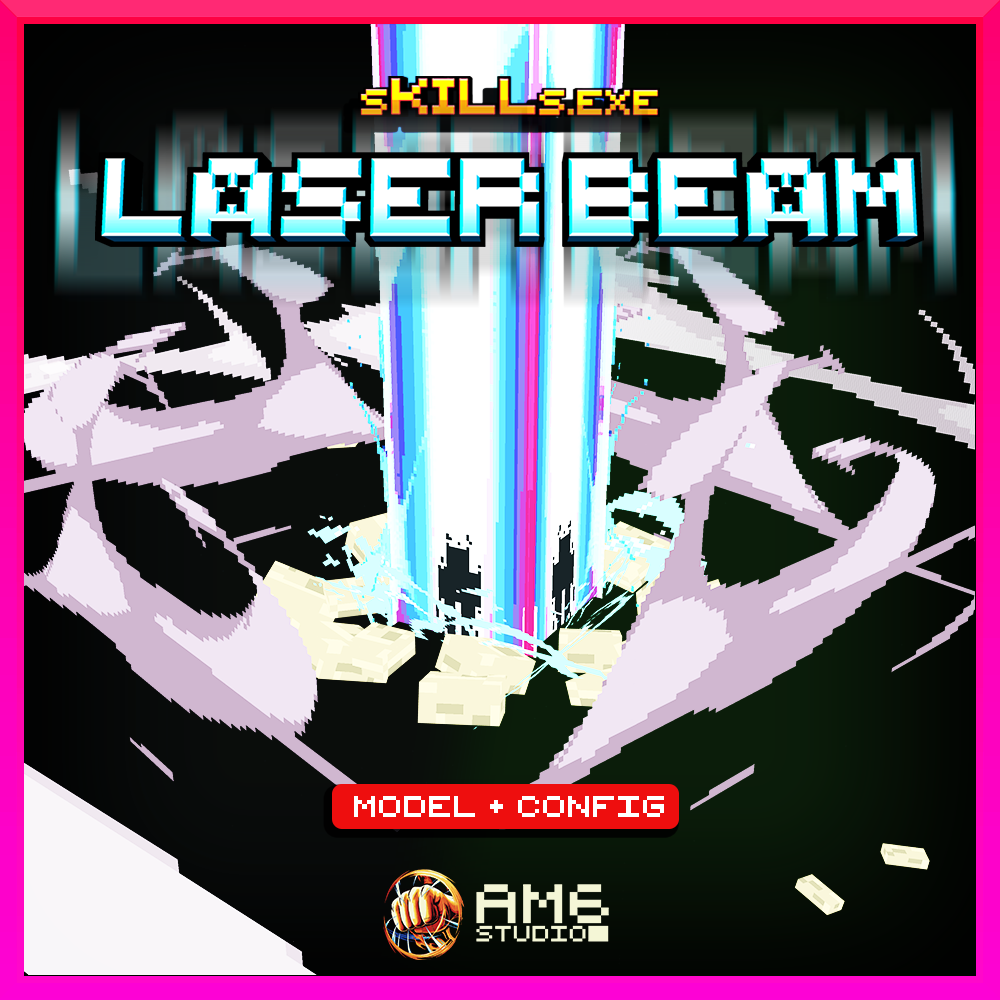
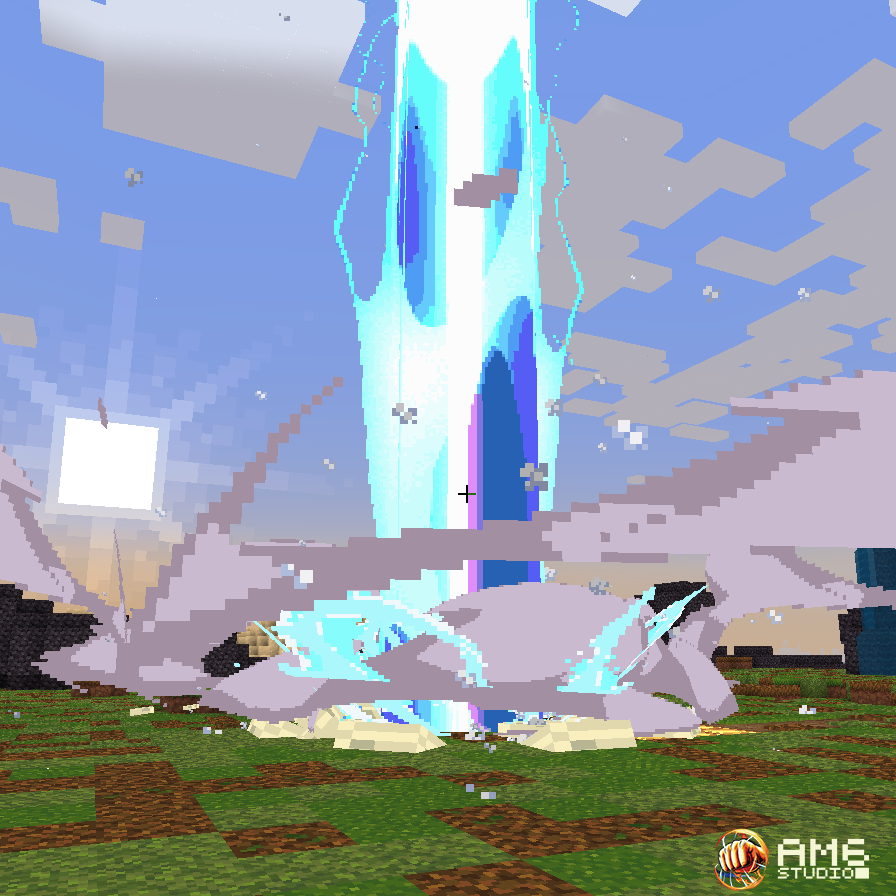
sKILLs.exe - Add epic LASER BEAMS to your Minecraft Server !
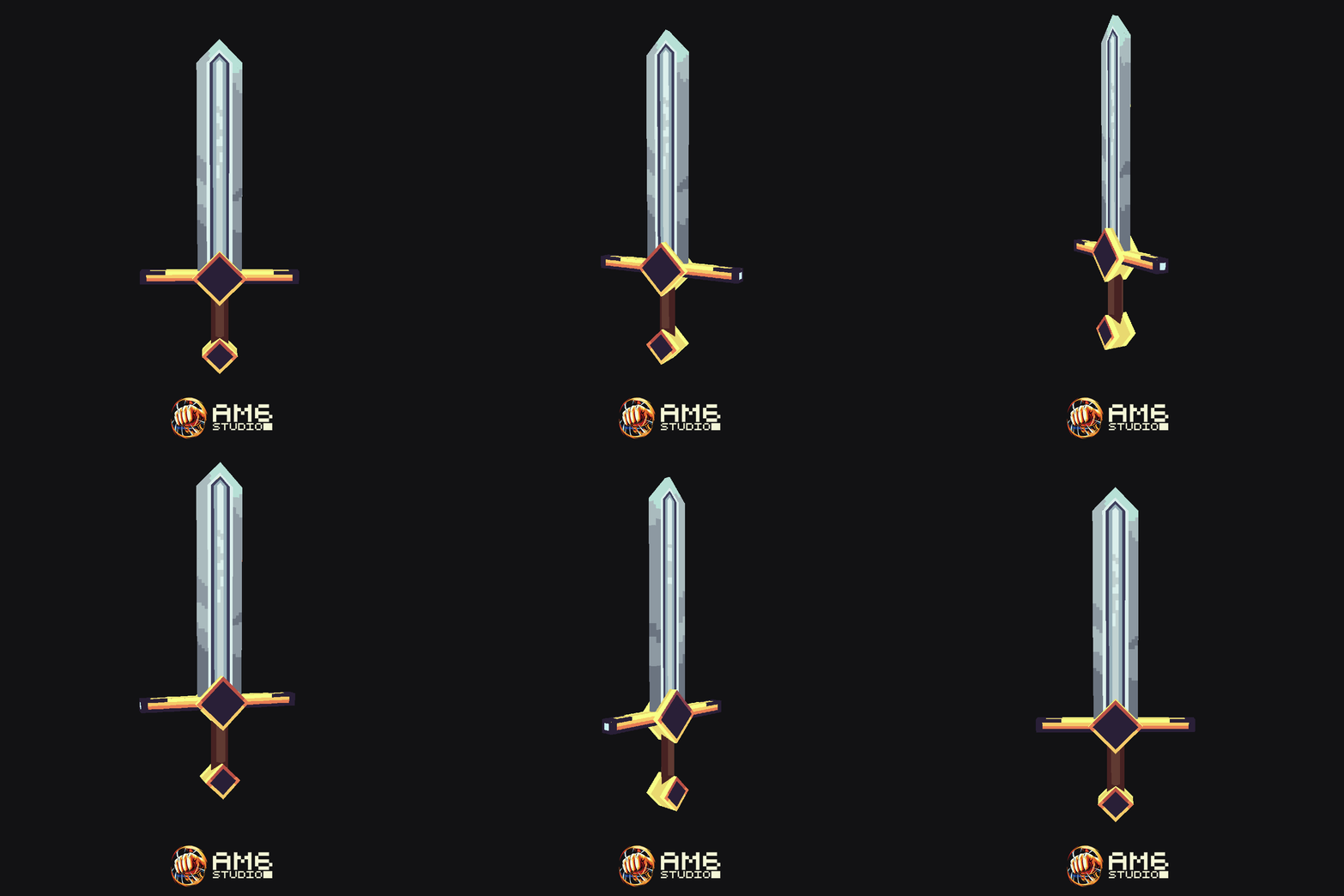
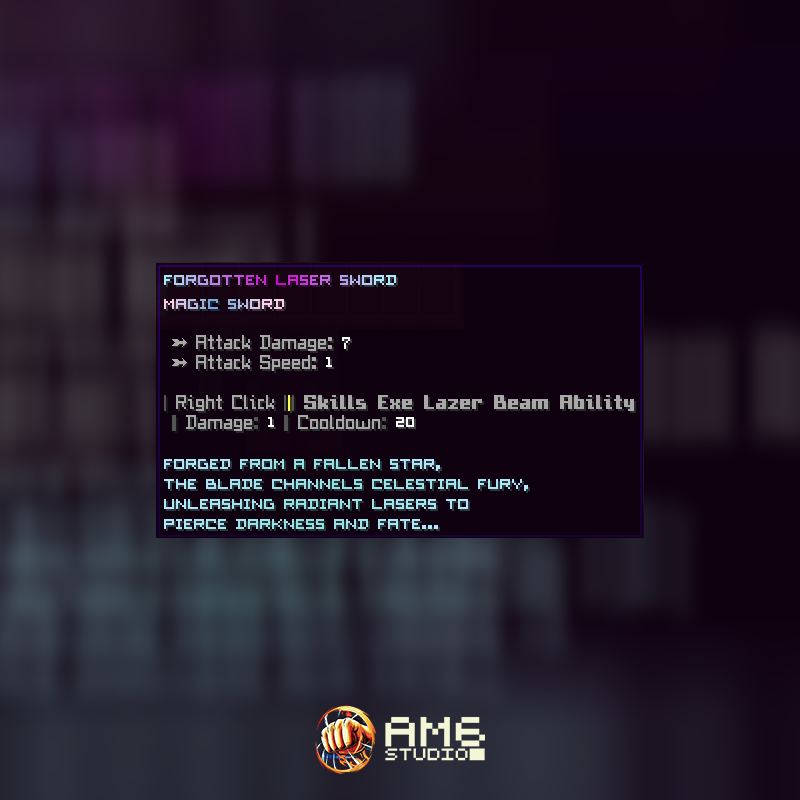
Bring forth the power of an ancient weapon forged from a fallen star !
This pack contains the following:
- 1 weapon (sword)
- 4 different skill VFX models (Laser, wind blast, electricity impact around laser, rock debris)
- 3 different custom sound effects (laser charge, laser casting, wind blasts)
- MythicMobs configuration
- MythicCrucible configuration
- MMOItems configurations
- Nexo configuration
- ItemsAdder configuration
- READ ME file (Installation instructions, how to get the item, how to modify the laser beam's damage, cooldown, item name/description)
sKILLs.exe - LASER BEAM (skill description)
When right-clicking while holding the sword, you send a nearly invisible particle shockwave towards where you are looking. Upon hitting terrain, it summons a huge laser beam at the impact location, damaging all enemies a very high number of times and preventing them from moving. Enemies close to the impact will be pushed back. If the particle shockwave misses and doesn’t hit terrain, the laser beam will not be cast.
A special player shadow will appear on the laser if the entity hit is a player (cf. Youtube showcase video).
TECHNICAL DETAILS
All visual effects are contained within a single Blockbench file (.bbmodel). This file is a generic model, with the whole effect being played through an animation.
Because of this, if you want to integrate the skill’s visual effects into your own systems (custom plugin, mod, etc.), you only need to spawn the Blockbench model and play its animation. The entire effect sequence will run automatically.
If you prefer to use only part of the visual effects (to use with another visual effect for instance), such as keeping only the wind blast and removing the laser, you can simply delete the corresponding bones in the model (or simply hide them by scaling them to 0 and duplicating the animation).
Please note that no support is provided for custom implementations. This information is offered solely for users who already have the necessary technical knowledge and would like to use the visual effects model for other purposes.
DEPENDENCIES
MythicMobs Premium
ModelEngine 4
Nexo OR ItemsAdder
MythicCrucible OR MMOItems
Tested on Minecraft 1.21.1
ARCHIVED
No longer available
Gallery (4)
sKILLs.exe - LASER BEAM 1.0.1
Product Description (Archived)
sKILLs.exe - Add epic LASER BEAMS to your Minecraft Server !
Bring forth the power of an ancient weapon forged from a fallen star !
This pack contains the following:
- 1 weapon (sword)
- 4 different skill VFX models (Laser, wind blast, electricity impact around laser, rock debris)
- 3 different custom sound effects (laser charge, laser casting, wind blasts)
- MythicMobs configuration
- MythicCrucible configuration
- MMOItems configurations
- Nexo configuration
- ItemsAdder configuration
- READ ME file (Installation instructions, how to get the item, how to modify the laser beam's damage, cooldown, item name/description)
sKILLs.exe - LASER BEAM (skill description)
When right-clicking while holding the sword, you send a nearly invisible particle shockwave towards where you are looking. Upon hitting terrain, it summons a huge laser beam at the impact location, damaging all enemies a very high number of times and preventing them from moving. Enemies close to the impact will be pushed back. If the particle shockwave misses and doesn’t hit terrain, the laser beam will not be cast.
A special player shadow will appear on the laser if the entity hit is a player (cf. Youtube showcase video).
TECHNICAL DETAILS
All visual effects are contained within a single Blockbench file (.bbmodel). This file is a generic model, with the whole effect being played through an animation.
Because of this, if you want to integrate the skill’s visual effects into your own systems (custom plugin, mod, etc.), you only need to spawn the Blockbench model and play its animation. The entire effect sequence will run automatically.
If you prefer to use only part of the visual effects (to use with another visual effect for instance), such as keeping only the wind blast and removing the laser, you can simply delete the corresponding bones in the model (or simply hide them by scaling them to 0 and duplicating the animation).
Please note that no support is provided for custom implementations. This information is offered solely for users who already have the necessary technical knowledge and would like to use the visual effects model for other purposes.
DEPENDENCIES
MythicMobs Premium
ModelEngine 4
Nexo OR ItemsAdder
MythicCrucible OR MMOItems
Tested on Minecraft 1.21.1
Dependencies
| name | required | requirement | tested version |
|---|---|---|---|
MMOItems | Configuration provided | 6.10.1 | |
| Nexo | Configuration provided | 1.13 | |
| ModelEngine | Required | 4.0.7 | |
| ItemsAdder | Configuration provided | 4.0.8 | |
| MythicCrucible | Configuration provided | 2.1.0 | |
| MythicMobs Premium | Required | 5.7.2 |
Tags & Categories
User Reviews
Ready to create something amazing?
Join the MCModels community and start building your dream projects today.