AM6 STUDIO


Archived Product
This product has been archived and is no longer available for purchase. The description below is kept for reference only.
ARCHIVED
No longer available
Gallery (5)
Dependencies
| name | required | requirement | tested version |
|---|---|---|---|
MMOItems | Configuration provided | 6.10.1 | |
 Nexo Nexo | Configuration provided | 1.13+ | |
 ModelEngine ModelEngine | Required | 4.0.7+ | |
 MythicMobs Free MythicMobs Free | Required | 5.7.2+ | |
 ItemsAdder ItemsAdder | Configuration provided | 4.0.8+ | |
 MythicCrucible MythicCrucible | Configuration provided | 2.1.0 |
Tags & Categories
Weapons Of Legends - MORTAL WEAPONS 1.0.0
Product Description (Archived)
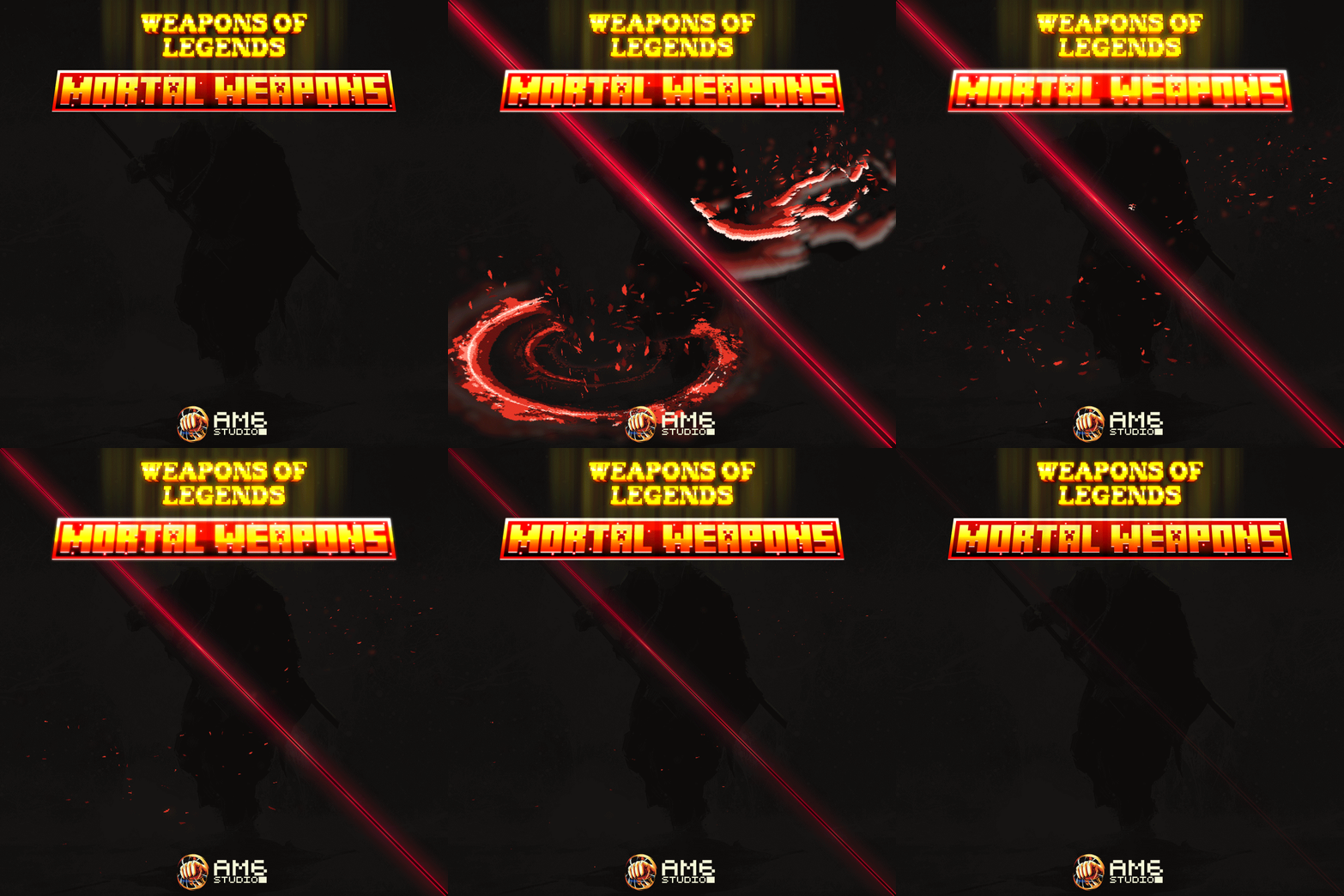
Weapons Of Legends | Mortal weapons
Bring forth the power of the mortal weapons that can kill immortal beings !
This pack contains the following:
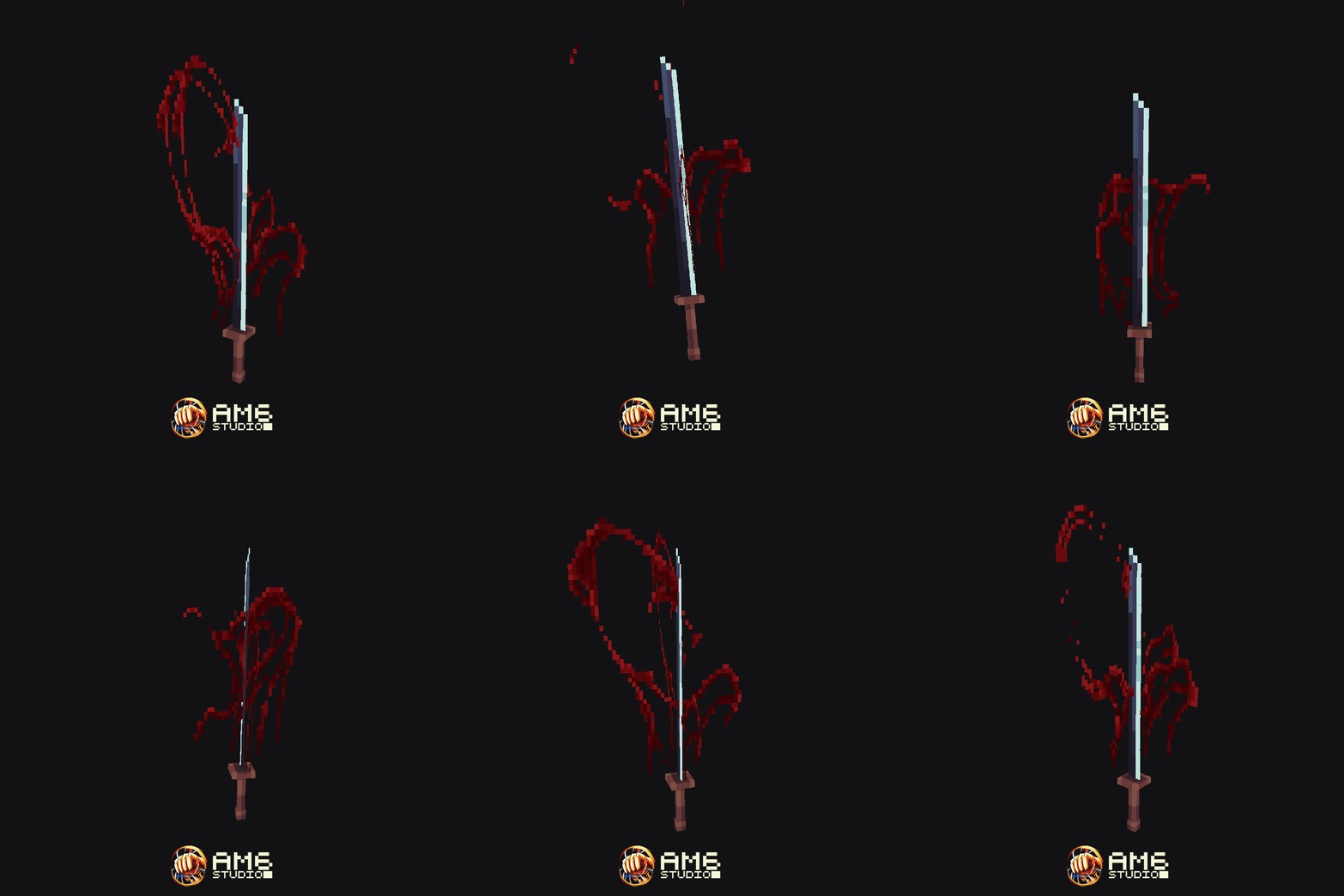
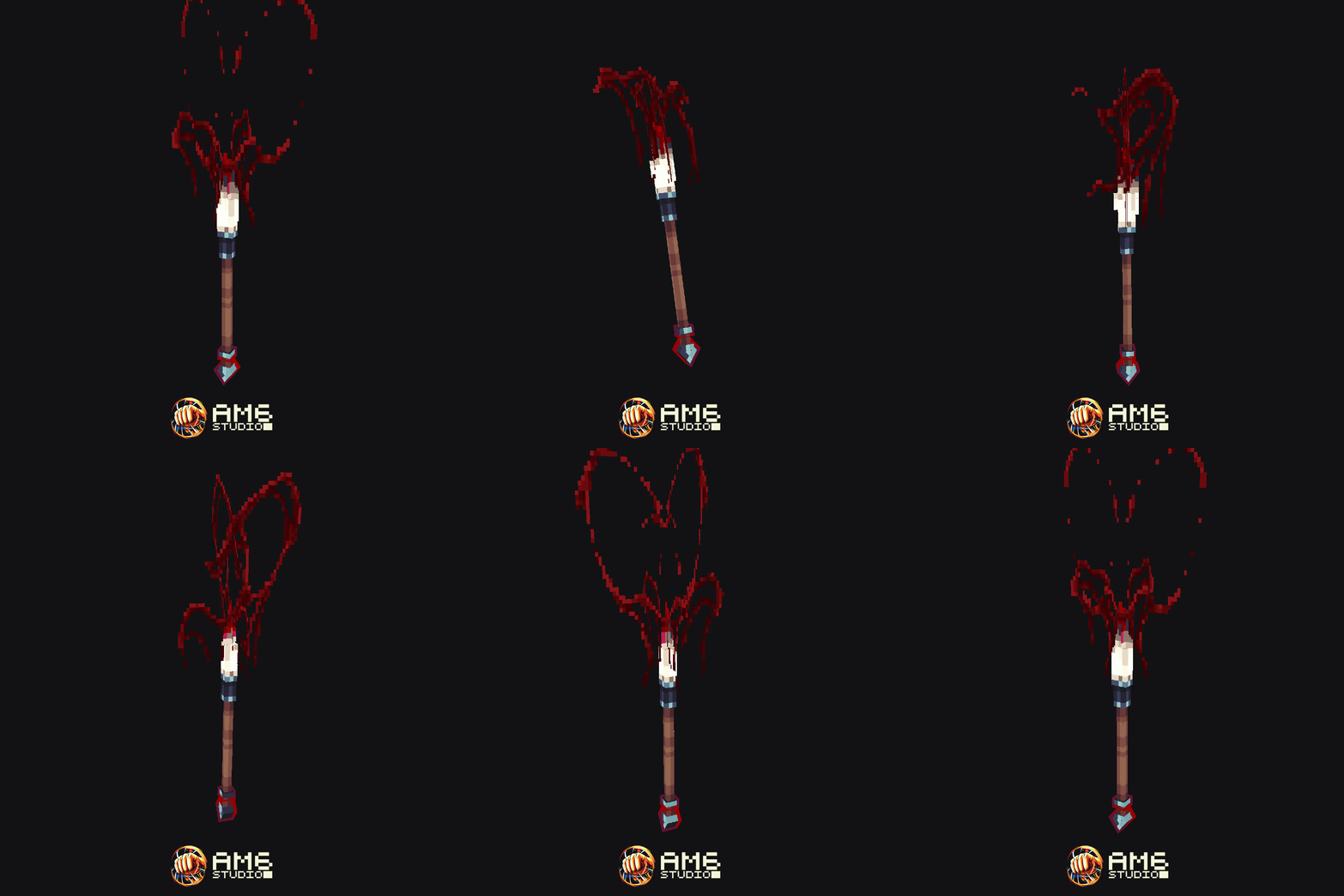
- 2 animated weapon models (Mortal Blade & Mortal Brush)
- 3 different skill VFX models (Mortal blade slash, Mortal Brush Slash, Red leaves (with 2 different shades of red))
- 4 different custom sound effects (2 for each weapon slash !)
- MythicMobs configuration
- MythicCrucible configuration
- MMOItems configurations
- Nexo configuration
- ItemsAdder configuration
- READ ME file (Installation instructions, how to get the items, how to modify the slash's damage, cooldown, item name/description)
Weapons Of Legends - Mortal Weapons
Mortal Blade
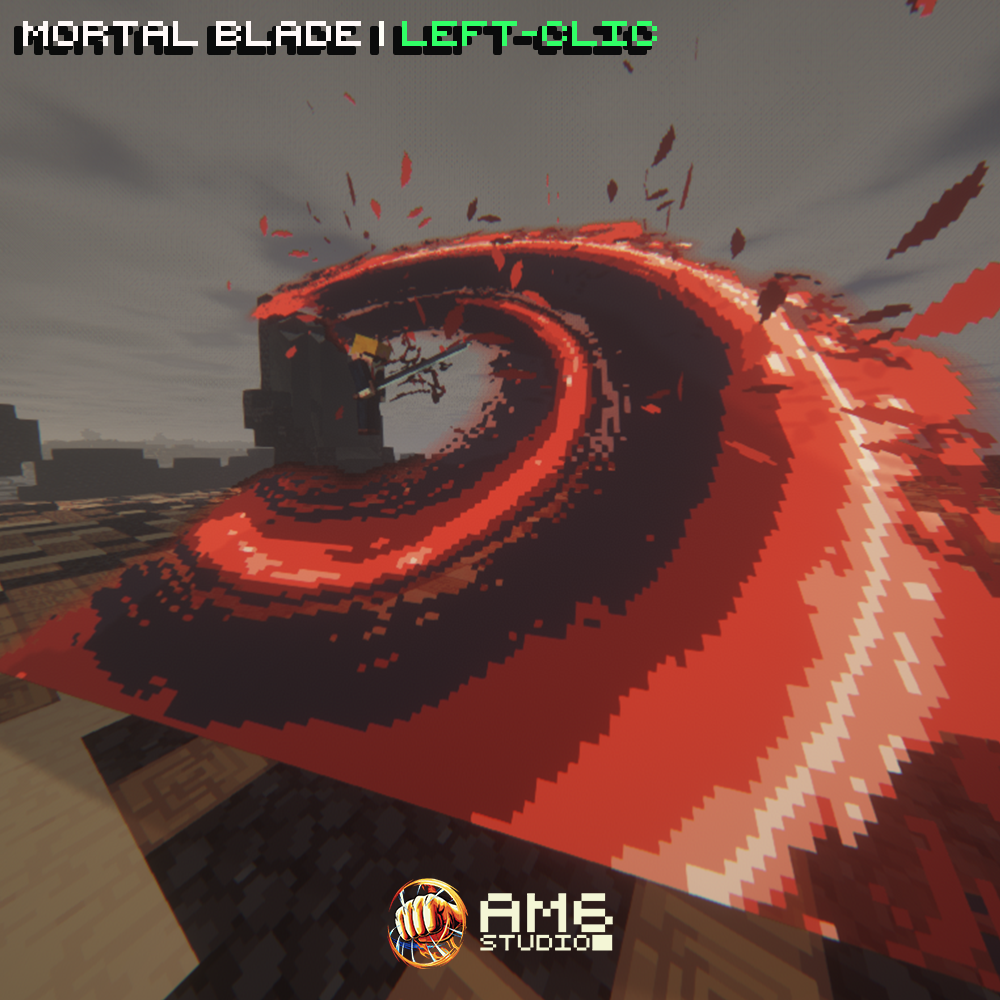
When you swing your sword (left-click), a deathly slash appears before you. There are 4 different variations of the same slash. You can easily edit the slash cooldown and its damage.
Mortal Brush
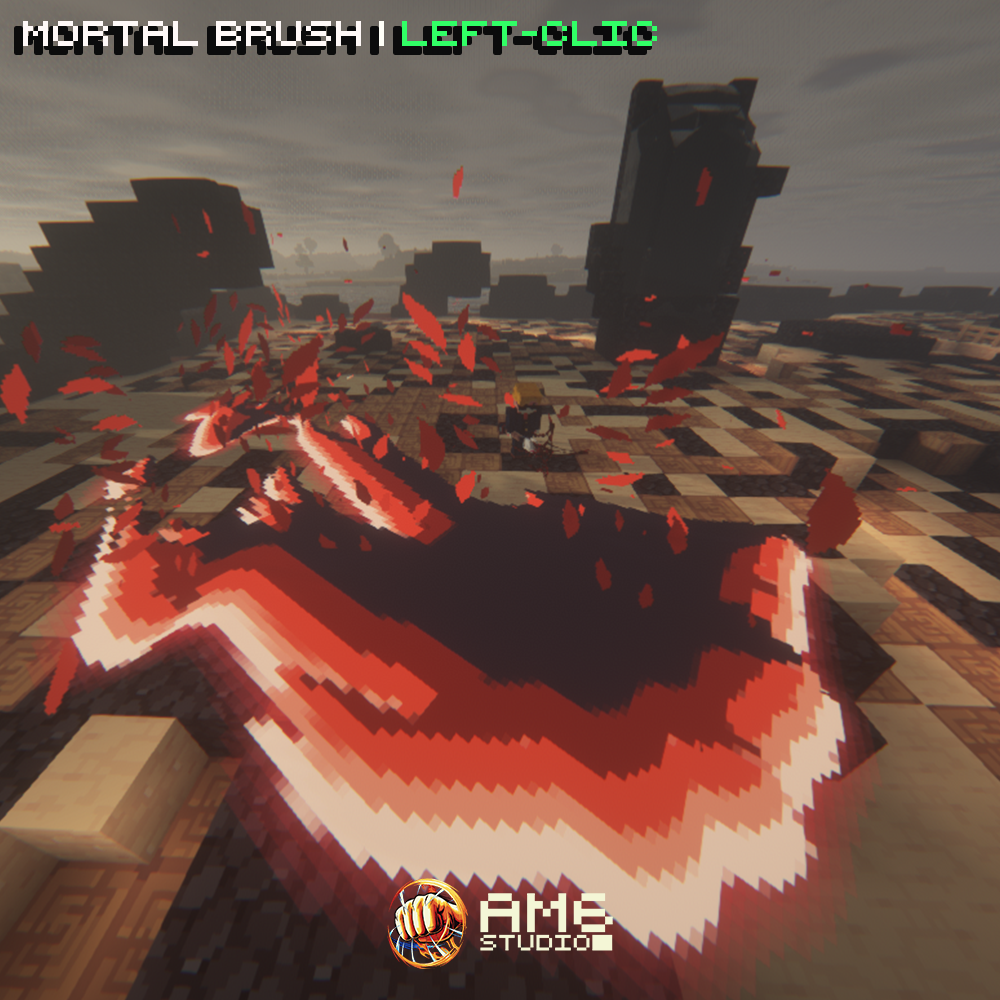
When you swing your sword (left-click), a paint slash appears before you. There are 4 different variations of the same slash. You can easily edit the slash cooldown and its damage
TECHNICAL DETAILS
All visual effects are contained within 2 Blockbench files (.bbmodel). 1 file for the mortal blade visual effects (blade slash + red leaves particles), 1 file for the mortal brush visual effects (brush slash + red leaves particles). These files are generic models, with their respective visual effects being played through an animation.
Because of this, if you want to integrate the skill’s visual effects into your own systems (custom plugin, mod, etc.), you only need to spawn the Blockbench model and play its animation. The entire effect sequence will run automatically.
If you prefer to use only part of the visual effects (to use with another visual effect for instance), such as keeping only the red leaves particle VFX and removing the slash effect, you can simply delete the corresponding bones in the model (or simply hide them by scaling them to 0 and duplicating the animation).
Both slash effects are highly optimized, with a single display entity spawned for the slash visual effect and another for the red leaves effect. In total, only two display entities are active during the animation (corresponding to two rendered bones in Blockbench). These effects were designed with large, highly populated servers in mind, capable of handling several hundred players simultaneously. You are obviously free to use them on smaller servers.
Please note that no support is provided for custom implementations. This information is offered solely for users who already have the necessary technical knowledge and would like to use the visual effects model for other purposes.
DEPENDENCIES
MythicMobs Premium
ModelEngine 4
Nexo OR ItemsAdder
MythicCrucible OR MMOItems
Tested on Minecraft 1.21.1+
ARCHIVED
No longer available
Gallery (5)
Weapons Of Legends - MORTAL WEAPONS 1.0.0
Product Description (Archived)
Weapons Of Legends | Mortal weapons
Bring forth the power of the mortal weapons that can kill immortal beings !
This pack contains the following:
- 2 animated weapon models (Mortal Blade & Mortal Brush)
- 3 different skill VFX models (Mortal blade slash, Mortal Brush Slash, Red leaves (with 2 different shades of red))
- 4 different custom sound effects (2 for each weapon slash !)
- MythicMobs configuration
- MythicCrucible configuration
- MMOItems configurations
- Nexo configuration
- ItemsAdder configuration
- READ ME file (Installation instructions, how to get the items, how to modify the slash's damage, cooldown, item name/description)
Weapons Of Legends - Mortal Weapons
Mortal Blade
When you swing your sword (left-click), a deathly slash appears before you. There are 4 different variations of the same slash. You can easily edit the slash cooldown and its damage.
Mortal Brush
When you swing your sword (left-click), a paint slash appears before you. There are 4 different variations of the same slash. You can easily edit the slash cooldown and its damage
TECHNICAL DETAILS
All visual effects are contained within 2 Blockbench files (.bbmodel). 1 file for the mortal blade visual effects (blade slash + red leaves particles), 1 file for the mortal brush visual effects (brush slash + red leaves particles). These files are generic models, with their respective visual effects being played through an animation.
Because of this, if you want to integrate the skill’s visual effects into your own systems (custom plugin, mod, etc.), you only need to spawn the Blockbench model and play its animation. The entire effect sequence will run automatically.
If you prefer to use only part of the visual effects (to use with another visual effect for instance), such as keeping only the red leaves particle VFX and removing the slash effect, you can simply delete the corresponding bones in the model (or simply hide them by scaling them to 0 and duplicating the animation).
Both slash effects are highly optimized, with a single display entity spawned for the slash visual effect and another for the red leaves effect. In total, only two display entities are active during the animation (corresponding to two rendered bones in Blockbench). These effects were designed with large, highly populated servers in mind, capable of handling several hundred players simultaneously. You are obviously free to use them on smaller servers.
Please note that no support is provided for custom implementations. This information is offered solely for users who already have the necessary technical knowledge and would like to use the visual effects model for other purposes.
DEPENDENCIES
MythicMobs Premium
ModelEngine 4
Nexo OR ItemsAdder
MythicCrucible OR MMOItems
Tested on Minecraft 1.21.1+
Dependencies
| name | required | requirement | tested version |
|---|---|---|---|
MMOItems | Configuration provided | 6.10.1 | |
| Nexo | Configuration provided | 1.13+ | |
| ModelEngine | Required | 4.0.7+ | |
| MythicMobs Free | Required | 5.7.2+ | |
| ItemsAdder | Configuration provided | 4.0.8+ | |
| MythicCrucible | Configuration provided | 2.1.0 |
Tags & Categories
User Reviews
Ready to create something amazing?
Join the MCModels community and start building your dream projects today.