GUIs | zAuctionHouse - Ginko's Grand Hall
Give your adventurers a marketplace that matches the guild hall.
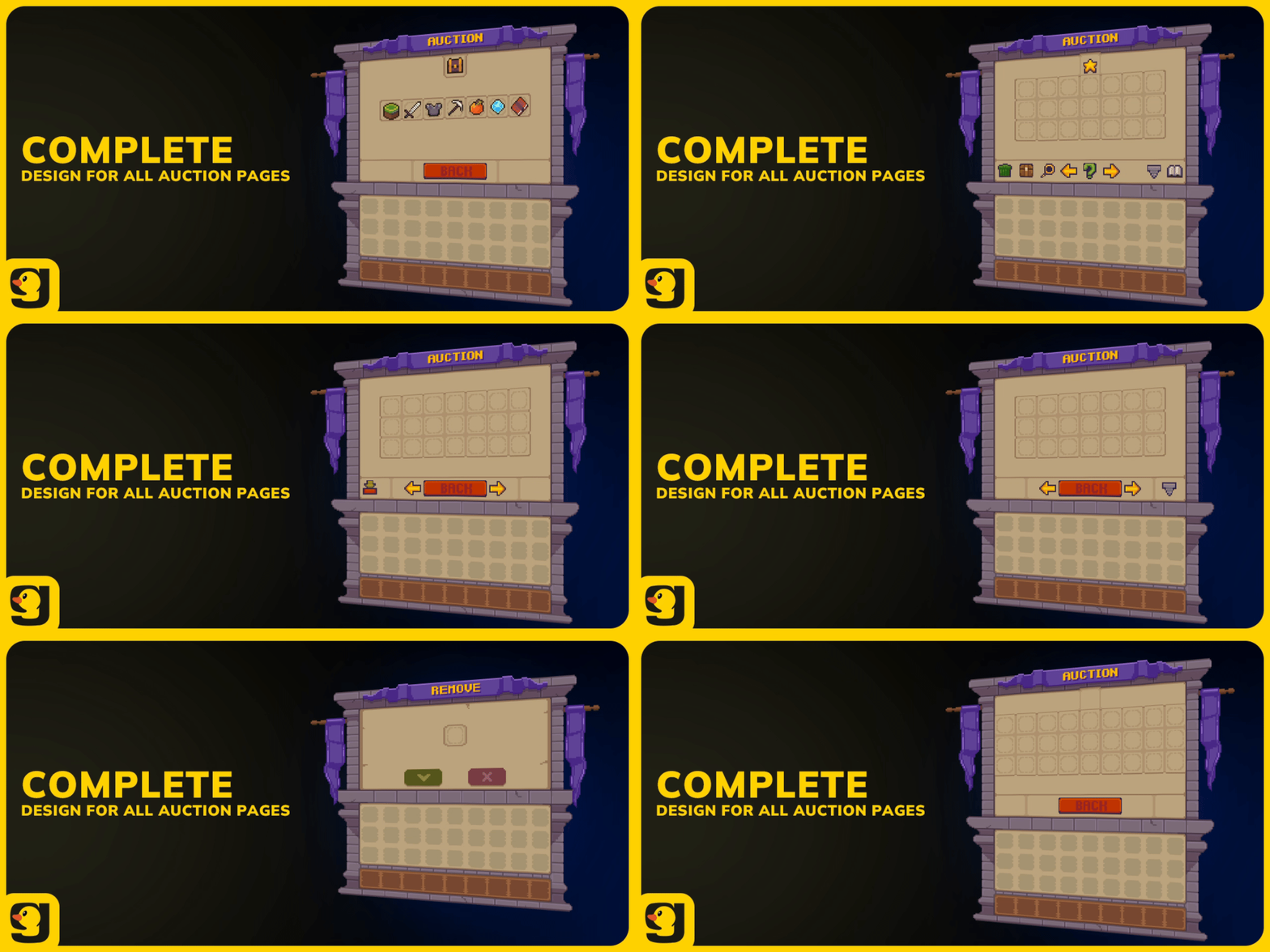
This Grand Hall skin for zAuctionHouse covers browsing, selling and purchase confirmations across ten configured screens. Matching category icons and menus keep the auction house, listing history and claimed items visually connected.
About GUIs | Grand Hall | zAuctionHouse
What's Included?
10 configured auction menu screens
Main auction house and item categories
Buying, selling and confirmation menus
Purchased and expired item menus
Auction history and active listings
Shulker box contents preview
Custom category icons and GUI textures
zAuctionHouse configurations for Nexo and ItemsAdder
Installation instructions
Plugin Requirements
zAuctionHouse V4
zMenu
PlaceholderAPI
Vault and an economy plugin
Nexo or ItemsAdder
A Few Things to Know
The pack includes separate configurations for Nexo and ItemsAdder, along with the files needed to set up your zAuctionHouse menus.
You'll need to have the required plugins installed and configure your server's economy and auction settings.
Supported: Minecraft 1.21.4 → latest
GUIs | Showcase
Click Me | For 15% OFF!
Use Code: GINKO15 for 15%OFF 1 per user
Related Ginko packs
Give players a matching starting point with the Grand Hall main menu. The Grand Hall HUD carries the collection's look into combat and exploration.
Questions about this pack or its setup? Join us on Discord.
Ready to create something amazing?
Join the MCModels community and start building your dream projects today.
