
アイリス - 次元エンジン
GITHUB • DOCUMENTATION • DISCORD
Overview - What Iris does
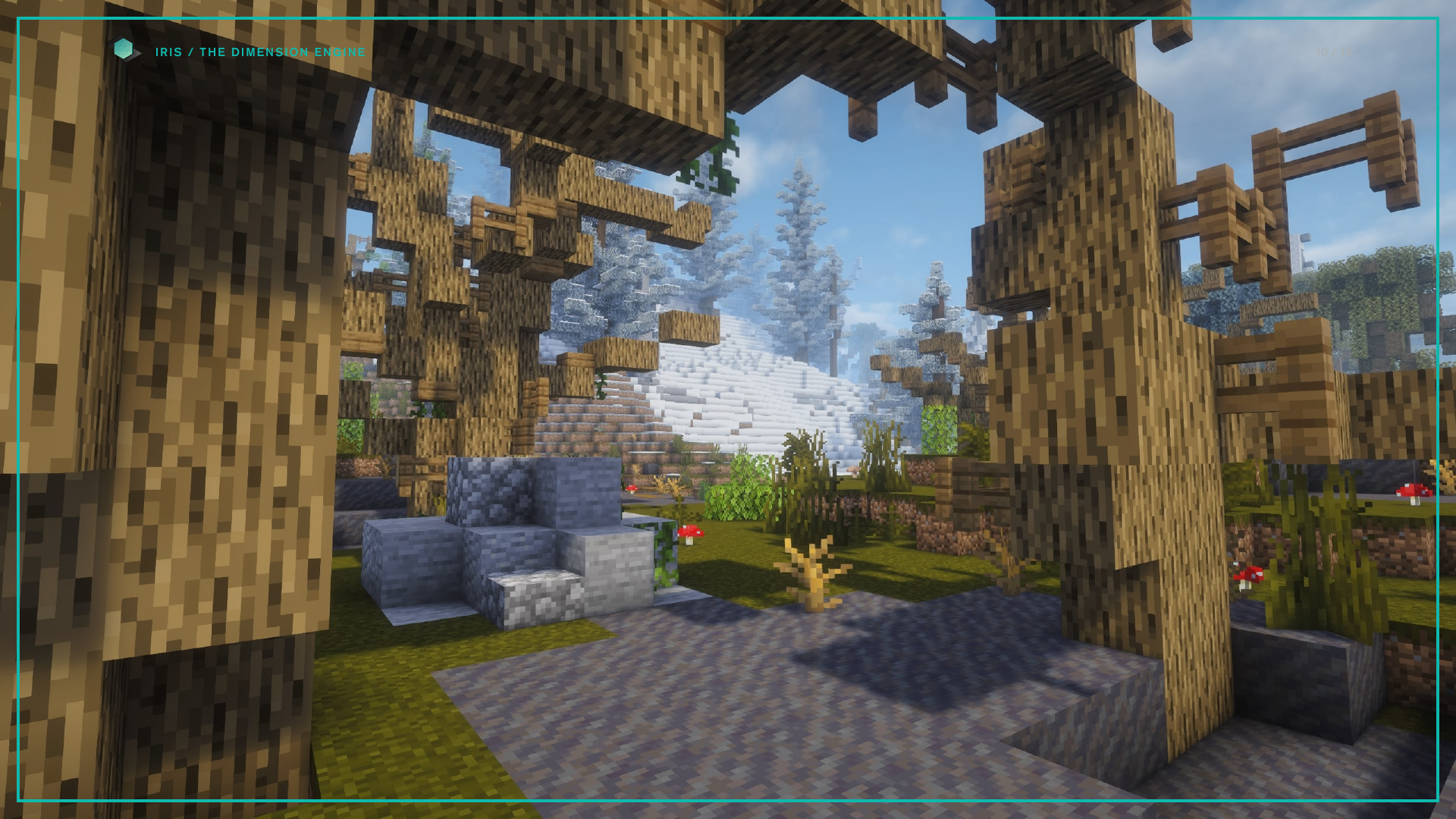
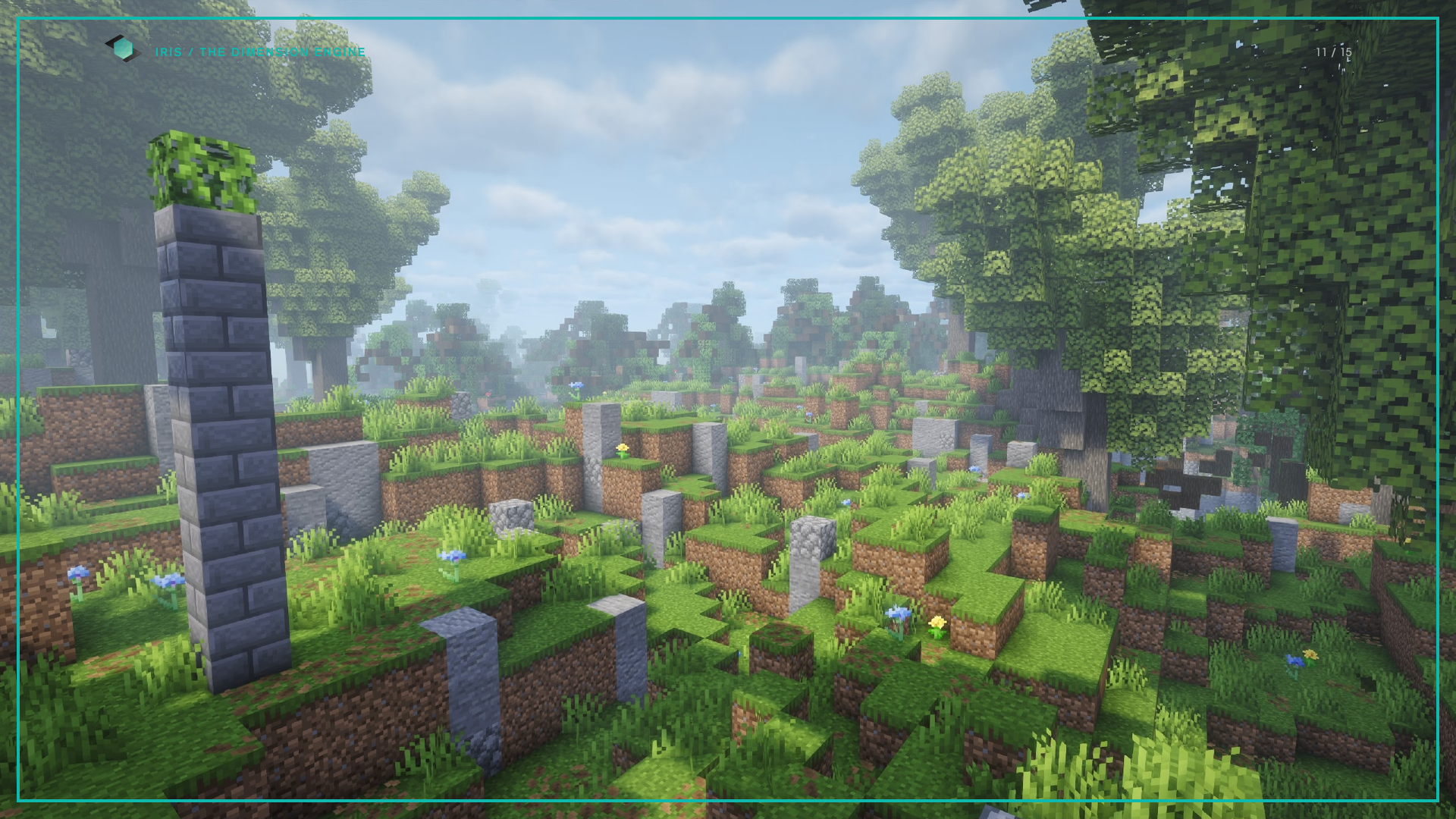
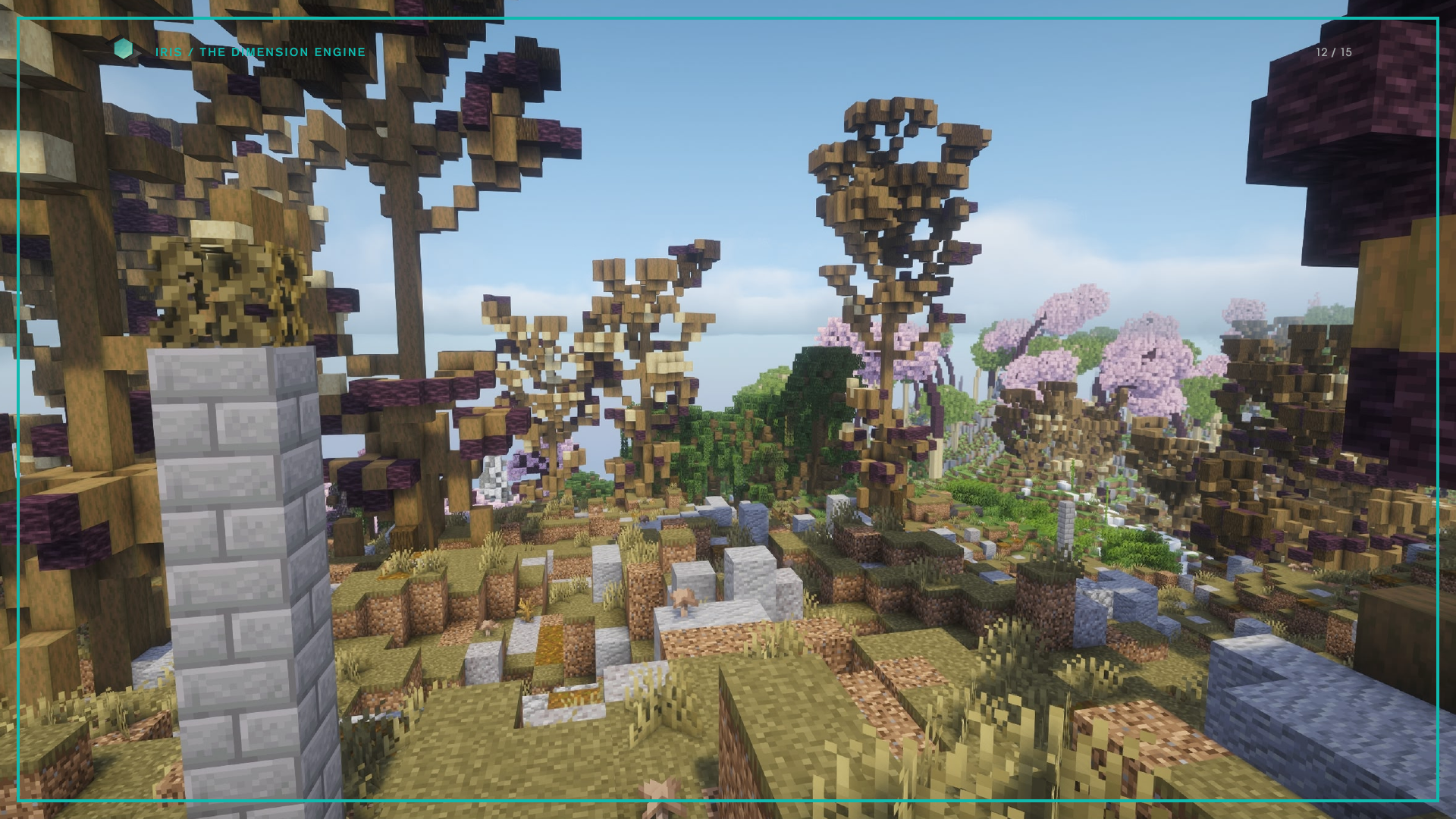
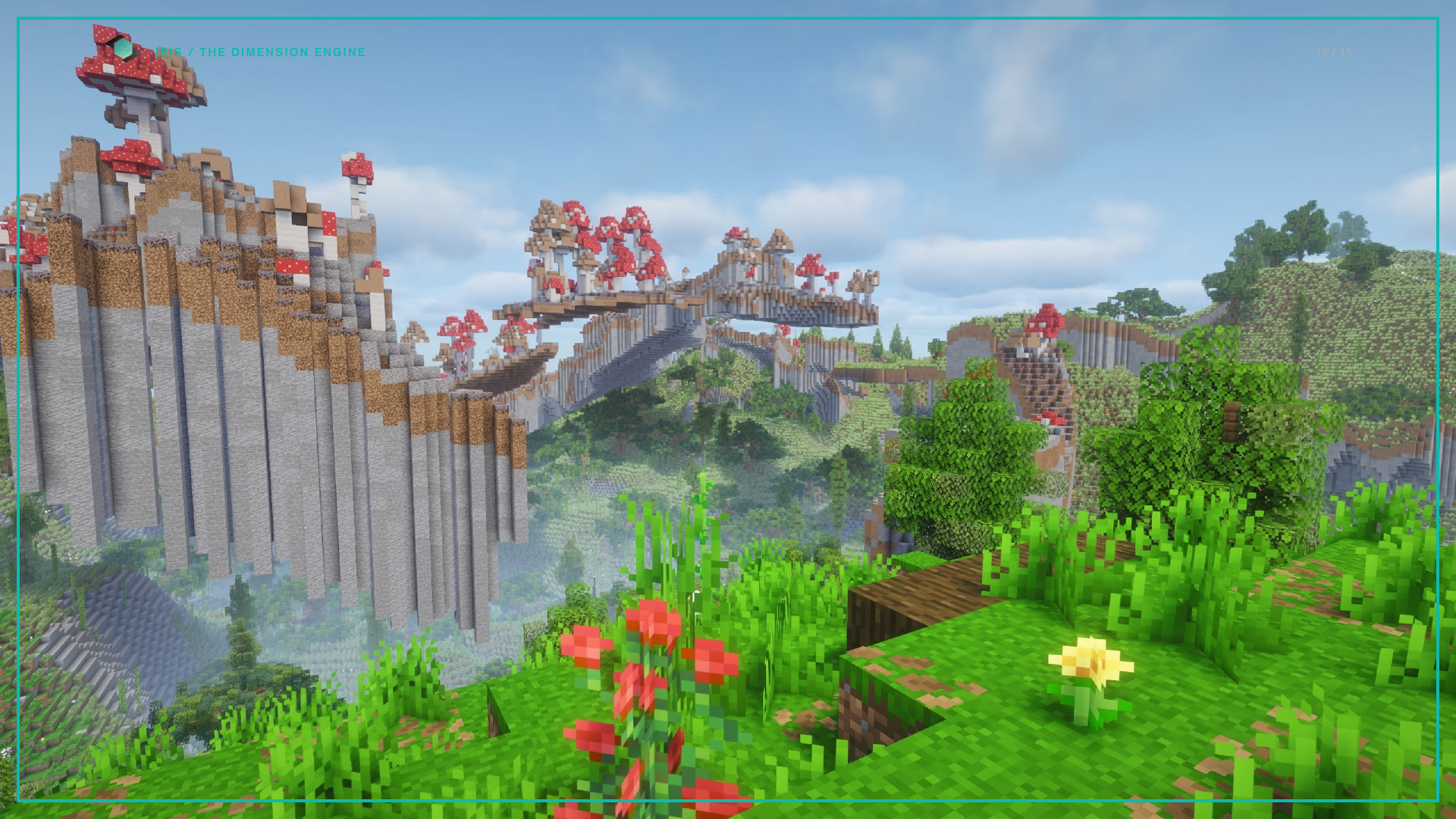
Iris replaces the chunk generator. Terrain, biomes, caves, structures, objects, entities and loot all come out of a project pack: a folder of readable JSON you can edit, version and share like any other source.
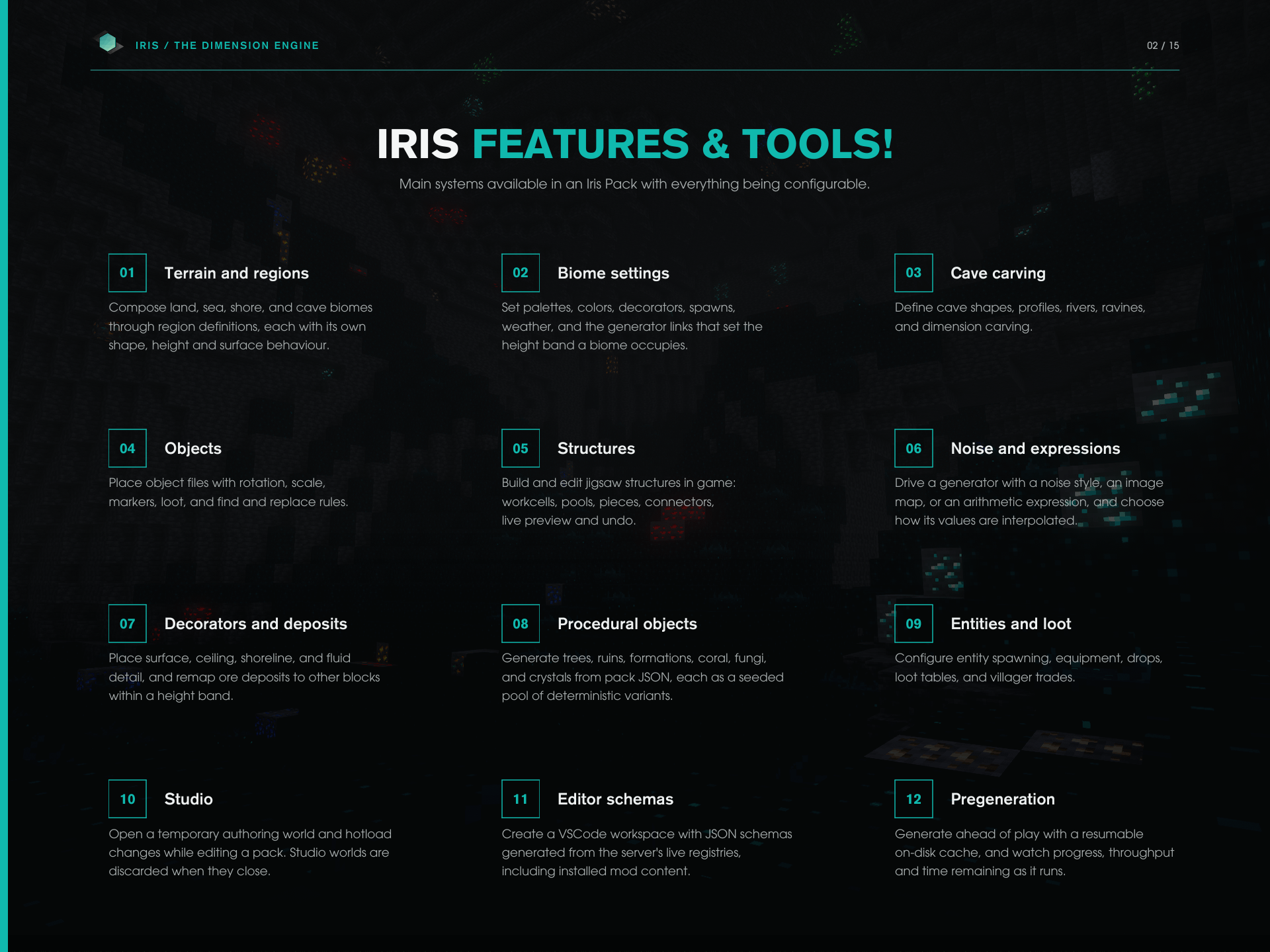
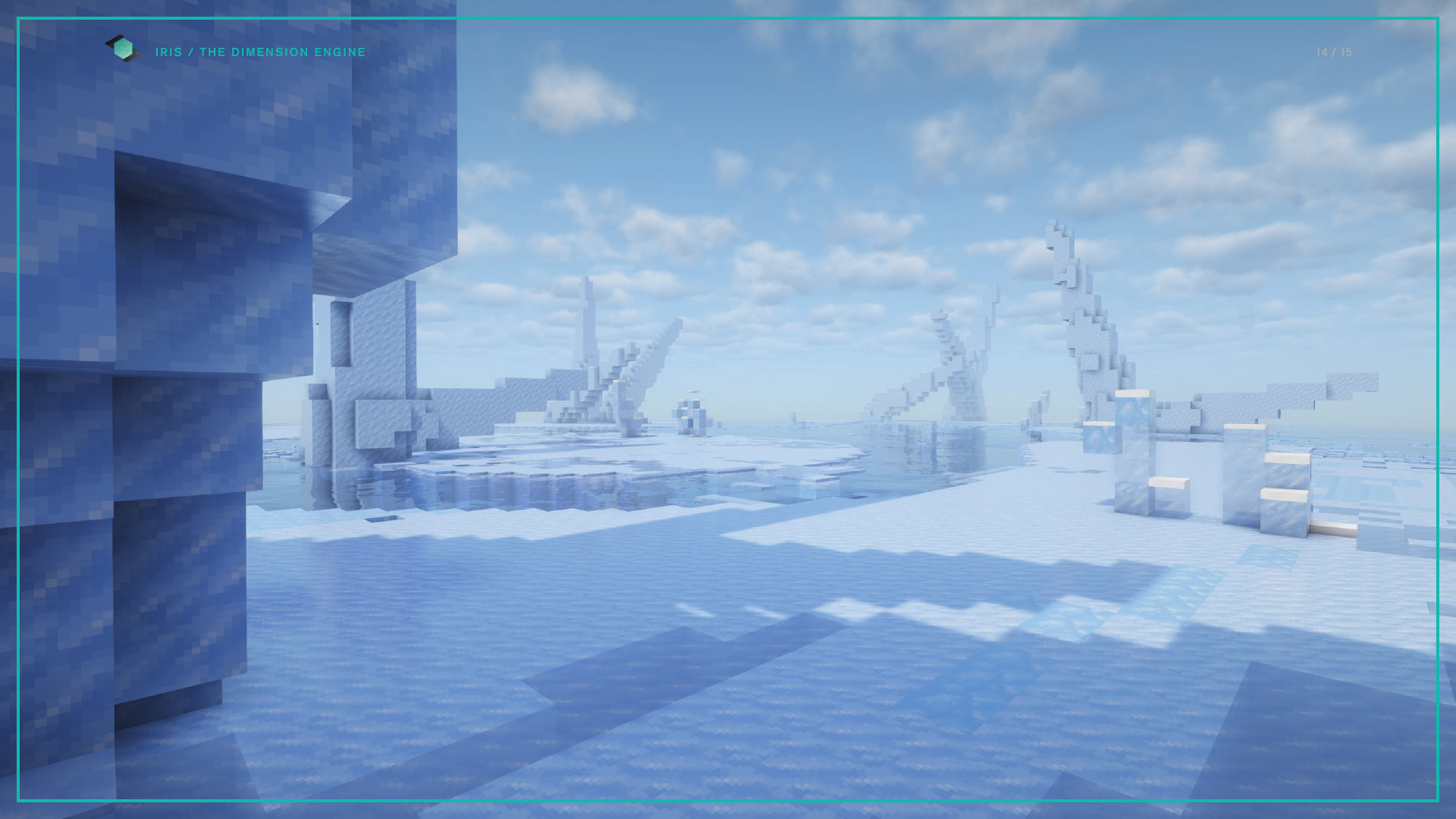
Terrain and regions Compose land, sea, shore and cave biomes through region definitions, each with its own shape, height and surface behavior.
Biome settings Palettes, colors, decorators, spawns, weather, and the generator links that set the height band a biome occupies.
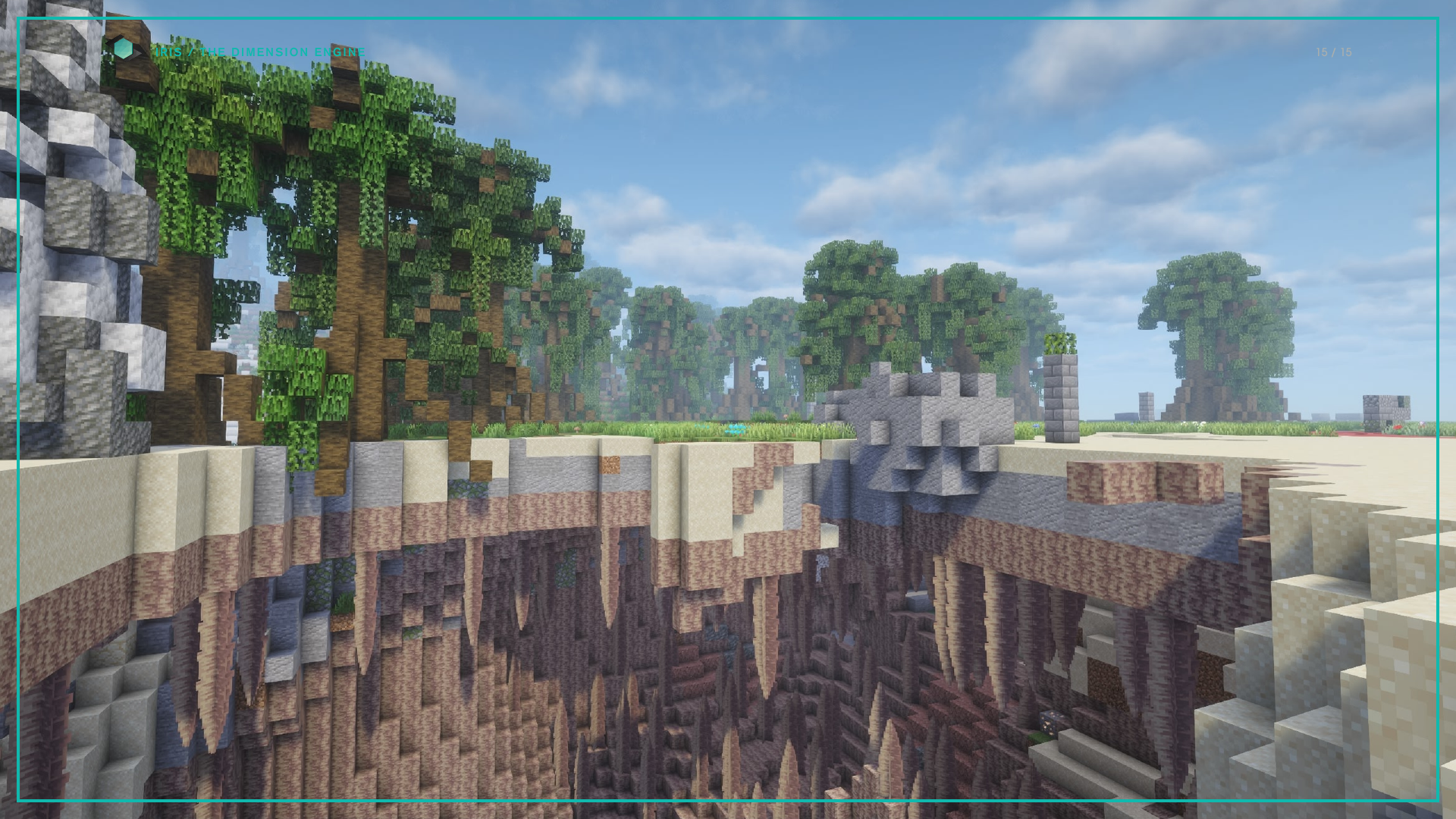
Cave carving Cave shapes, profiles and dimension carving, with cave biomes that carry their own palettes and decorators.
Objects Place object files with rotation, scale, markers, loot and find-and-replace rules, across 20 placement modes.
Structures Build and edit jigsaw structures in game, or import vanilla and datapack structures into your pack as editable resources.
Noise and expressions Drive a generator with a noise style, an image map or an arithmetic expression, and choose how its values are interpolated.
Decorators and deposits Surface, ceiling, shoreline and fluid detail, and ore deposits remapped to other blocks inside a height band.
Procedural objects Trees, ruins, formations, coral, fungi and crystals generated from pack JSON, each as a seeded pool of deterministic variants.
Entities and loot Entity spawning, equipment, attributes, passengers, and the loot tables that replace their vanilla drops.
Pregeneration Generate your world with on-disk cache to resume later with live progress updates.
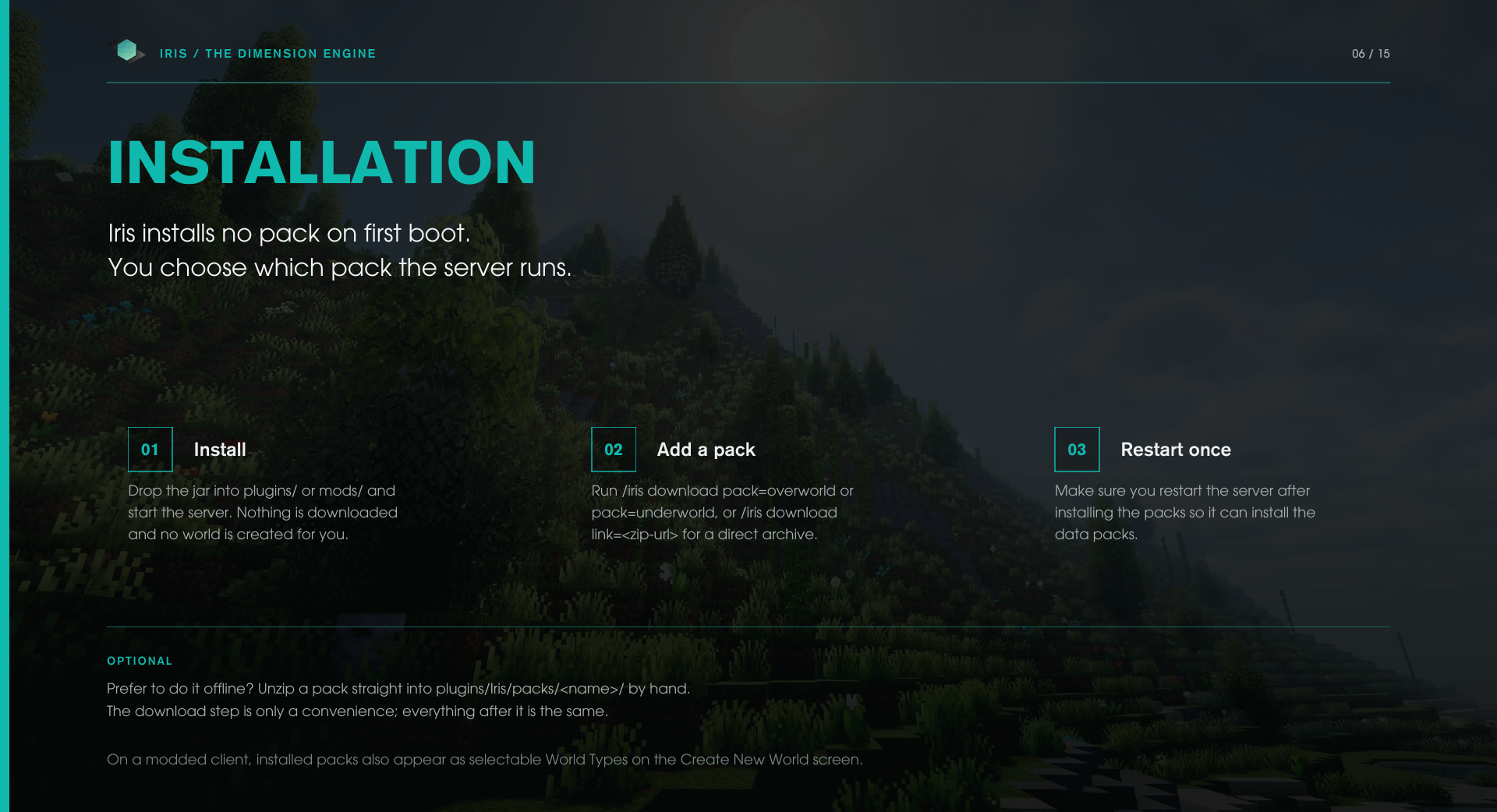
Installation
Iris installs no pack on first boot Pick which pack you would like installed.
Install Drop the jar into plugins/ and start the server. (Nothing is downloaded and no world is created for you)
Add a pack Run one of the commands below.
Restart once. Make sure you restart the server after installing the packs so it can install the data packs.
/iris download pack=overworld           Install the built-in overworld pack
/iris download pack=underworld          Install the built-in underworld pack
/iris download link=<zip-url>           Install from a direct archive URL
Supply pack or link. link must point straight at an archive URL.
Prefer to do it offline? Unzip a pack straight into plugins/Iris/packs/<name>/ by hand. Everything after it is the same.
Once a pack is installed and the server has been restarted:
/iris create <name> type=<pack> seed=<long>    Create a world from a pack
/iris replace <world> type=<pack>              Stage an existing world for Iris
/iris tp <world>                               Teleport into it
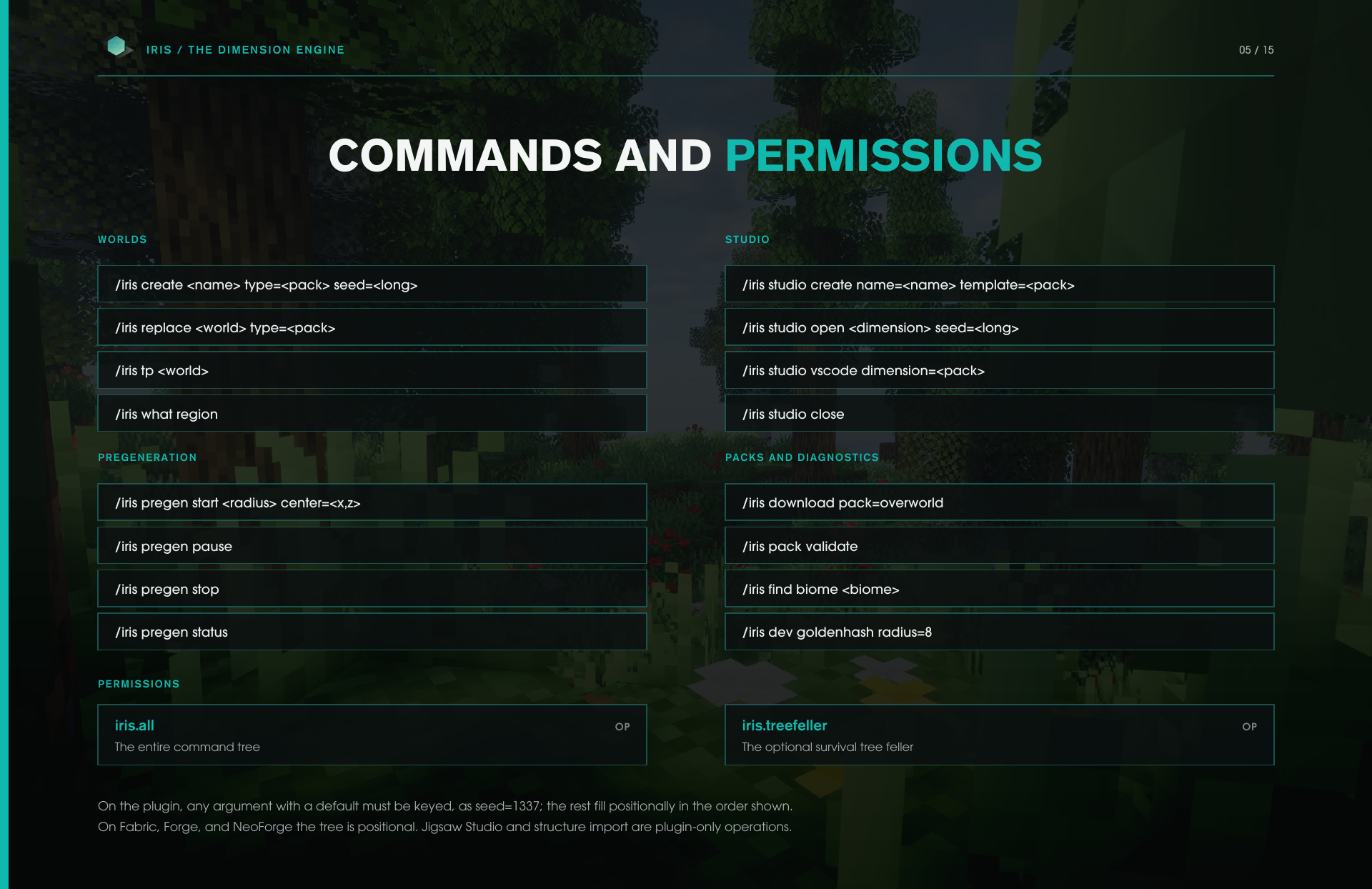
Commands and permissions
Root command is /iris. Aliases: /ir, /irs.
Worlds
/iris create <name> type=<pack> seed=<long>     Create a world from a pack
/iris replace <world> type=<pack>               Stage an existing world for Iris
/iris tp <world>                                Teleport to a world
/iris what region                               Report the region you are standing in
Pregeneration
/iris pregen start <radius> center=<x,z>        Start a pregeneration job
/iris pregen pause                              Pause or resume
/iris pregen stop                               Stop the running job
/iris pregen status                             Progress, rate and time remaining
Studio
/iris studio create name=<name> template=<pack> Start a new pack
/iris studio open <dimension> seed=<long>       Open a pack in a Studio world
/iris studio vscode dimension=<pack>            Write the editor workspace
/iris studio close                              Close and discard the Studio world
Packs and diagnostics
/iris download pack=overworld                   Install a built-in pack
/iris pack validate                             Validate an installed pack
/iris find biome <biome>                        Locate and travel to a biome
/iris dev goldenhash radius=8                   Check generation determinism
Permissions
iris.all           The entire command tree      default: op
iris.treefeller    The optional tree feller     default: op
Optional arguments must be keyed On the plugin, any argument that carries a default can only be supplied as key=value; required arguments fill positionally in the order shown.
/iris create MyWorld                     Works
/iris create MyWorld type=overworld      Works
/iris create MyWorld overworld           Fails
/iris studio open overworld seed=1337    Works
/iris studio open overworld 1337         Fails
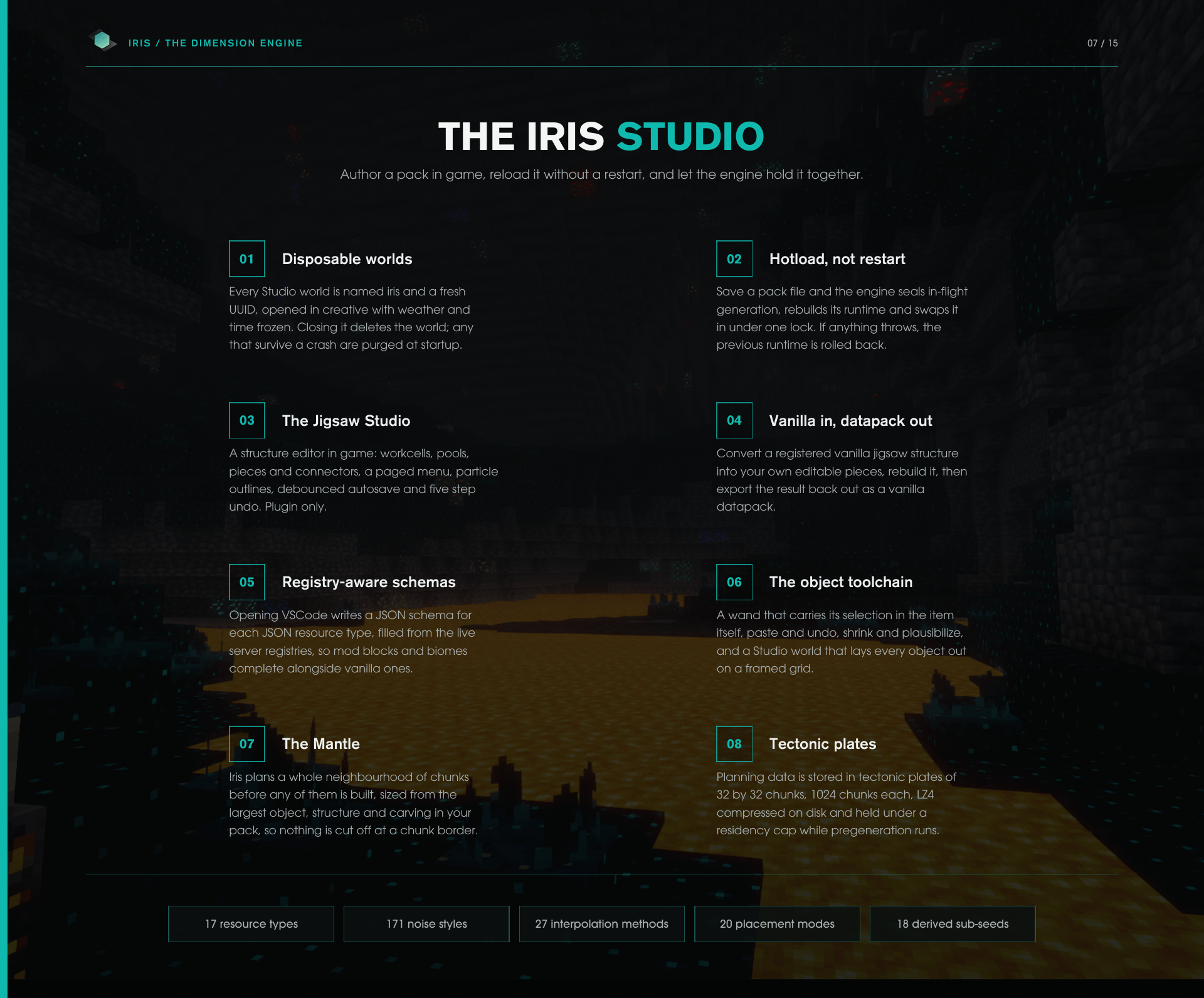
The Studio - Authoring a Pack
The studio is a fully featured developer environment for creating worlds. Jigsaw and Object studios are an easy way to create objects and jigsaws.
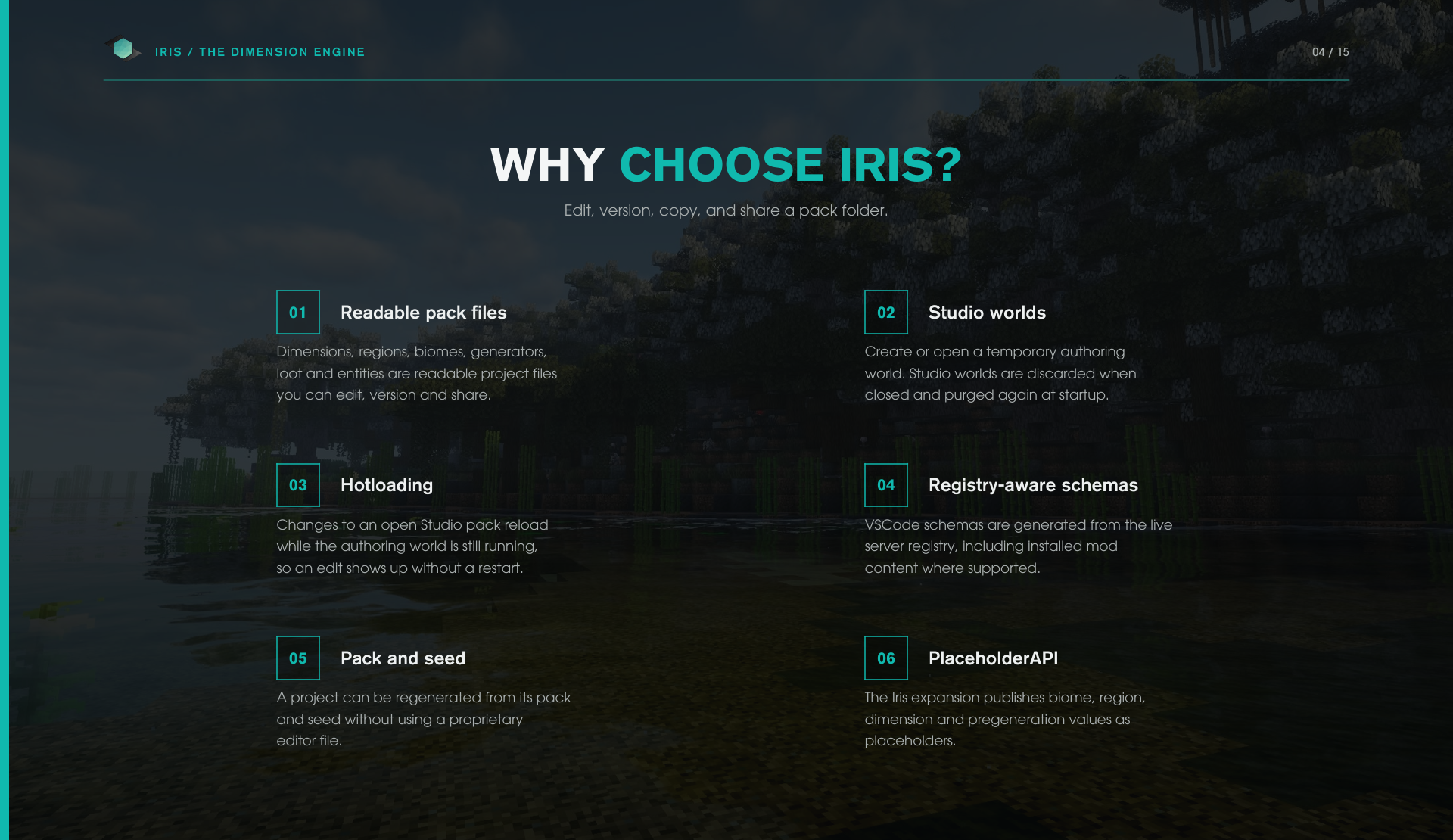
Disposable worlds Every Studio world is named iris-<uuid> and opened in creative with weather and time frozen. Closing it deletes the world and autosaves your work.
Packs Hotloaded Saving a pack file will hot load the changes into your worlds generation automatically.
The Jigsaw Studio A structure editor in game: workcells, pools, pieces and connectors, a paged menu, particle outlines and more.
Vanilla Datapacks Convert a registered vanilla jigsaw structure into your own editable pieces, rebuild it, then export the result back out as a vanilla datapack.
Registry-aware schemas Opening VSCode writes a JSON schema for each JSON resource type, filled from the live server registries, so mod blocks and biomes complete alongside vanilla ones.
The object toolchain A wand that carries its selection in the item itself, paste and undo, shrink and plausibilize, and a Studio world that lays every object out on a framed grid.
Pack folders
plugins/Iris/packs/<name>/
    dimensions/   regions/    biomes/     generators/
    objects/      loot/       entities/   images/
A pack is a normal folder. Copy it, version it, or share it. There are seventeen resource types in total; the eight above are some of the ones you will work with.
React Integration - What it Monitors
Use our plugin React alongside Iris for more in-depth monitoring with no additional configuration, React will automatically pull the data from Iris.
React pulls data from 69 live metrics from Iris
Engine lifecycle Engines active, closing, failed and in Studio, pending registrations, hotloads
Generation activity Chunks this session and lifetime, chunks per second, block updates per second, engine parallelism, active generation leases
Per-stage timings Total, terrain, biome, cave, decoration, deposit, post, perfection, updates, carve resolve, carve apply and context prefill
Mantle health Resident and queued tectonic plates, idle minimum, average and maximum, heap usage, reclaim urgency
Caches Count, entries, capacity and usage across four tiers: resource, 2D stream, 3D stream and other
Pregeneration Active, paused, progress, generated, total, queue, throughput, ETA, elapsed and failed, plus permit and adaptive wait times
World load Loaded chunks, loaded entities and entity saturation
PlaceholderAPI
Iris has a variety of Placeholders you can hook into when PlaceholderAPI is present.
%iris_available%                    Is the Terrain service live
%iris_world.available%              If the player is in an Iris world
%iris_world.biome%                  Surface biome display name
%iris_world.biome-key%              Surface biome load key
%iris_world.region%                 Region display name
%iris_world.region-key%             Region load key
%iris_world.dimension%              Pack load key of the player's world
%iris_pregen.available%             True while a pregeneration job runs
%iris_pregen.world%                 World being pregenerated
%iris_pregen.percent%               Percentage of a pregeneration job
%iris_pregen.eta%                   Time remaining in seconds of a pregeneration
%iris_pregen.eta-text%              Same estimate as 2m 5s or 1h 30m
%iris_pregen.chunks%                Chunks generated so far
%iris_pregen.total%                 Chunks remaining in the job
%iris_pregen.chunks-per-second%     How fast chunks are being generated per second
%iris_pregen.paused%                If pregeneration is paused
Compatibility - runtimes and Java
Iris supports Paper, Purpur, Leaf, Folia, Canvas and Spigot on Java 25 for Minecraft 26.x+
PlaceholderAPI is an optional dependency
React pulls data from 69 live metrics from Iris: mesh peers, remote portals, worst peer round-trip, wire bytes in and out, compression ratio, sideband backlog, view subscriptions, replicated blocks, resyncs and transfer counts
